
![Top 10 Best Live Streaming Platforms in 2026 [Updated List]](https://www.apphitect.ae/blog/wp-content/uploads/2024/09/Best-Live-streaming-platform.png)
Live streaming is a growth enabler for contemporary businesses looking to engage audiences in real-time. Often, they start with social platforms like YouTube, Facebook, and Instagram to go live for their use cases. However, these platforms lack advanced customization and branding features. Moreover, multi-streaming and RTMP streaming capabilities are absent.
Businesses understand the significance of proprietary control midway through these platforms. Very little control over monetization aspects, lack of control over streaming infrastructure, and most importantly, the algorithm dependency impacting the content’s reach.
That’s where dedicated live streaming platforms enter the fray with real-time broadcasting, multi-streaming, monetization, and collaboration capabilities. In this blog, we’ve ranked and reviewed the best live streaming platforms for content creators, broadcasters, and media-tech enterprises.
🎦Best Live Streaming Platforms at a Glance – 2026 Comparison
| Platform | G2 Rating | Multi-stream(Yes/No) | Free Trial(Yes/No) | Pricing | Best For |
| VPlayed | 4.8/5 | Yes | No | Custompricing | Broadcasters |
| OnTheFly | 4.6/5 | Yes | Yes | $23/month | Multi-streaming |
| Be.Live | 4.6/5 | Yes | Yes | $21/month | Social live shows |
| Uscreen | 4.5/5 | No | Yes | $199/month | Subscription live streaming |
| Vimeo Live | 4.3/5 | No | Yes | $20/month | Events, webinars |
| Muvi | 4.6/5 | Yes | Yes | Custompricing | Enterprises |
| OneStream | 4.4/5 | Yes | Yes | $22/month | Social multistreaming |
| Streamlabs | 4.3/5 | Yes | Yes | Freemium | Individual Streamers |
| Castr | 4.2/5 | Yes | Yes | $12/month | Multi-streaming |
| Brightcove | 4.1/5 | No | No | Custompricing | Media broadcasters |
10 Best Live Streaming Platforms to look out for in 2026 🏆
There are plenty of interactive live streaming platforms available that let you pitch into your business right away! However, what 2026 brings to the table is something new, and we’ve featured it in this blog. Let’s get down to business, choose the right platform from the below list, and start your streaming journey today!
1. VPlayed
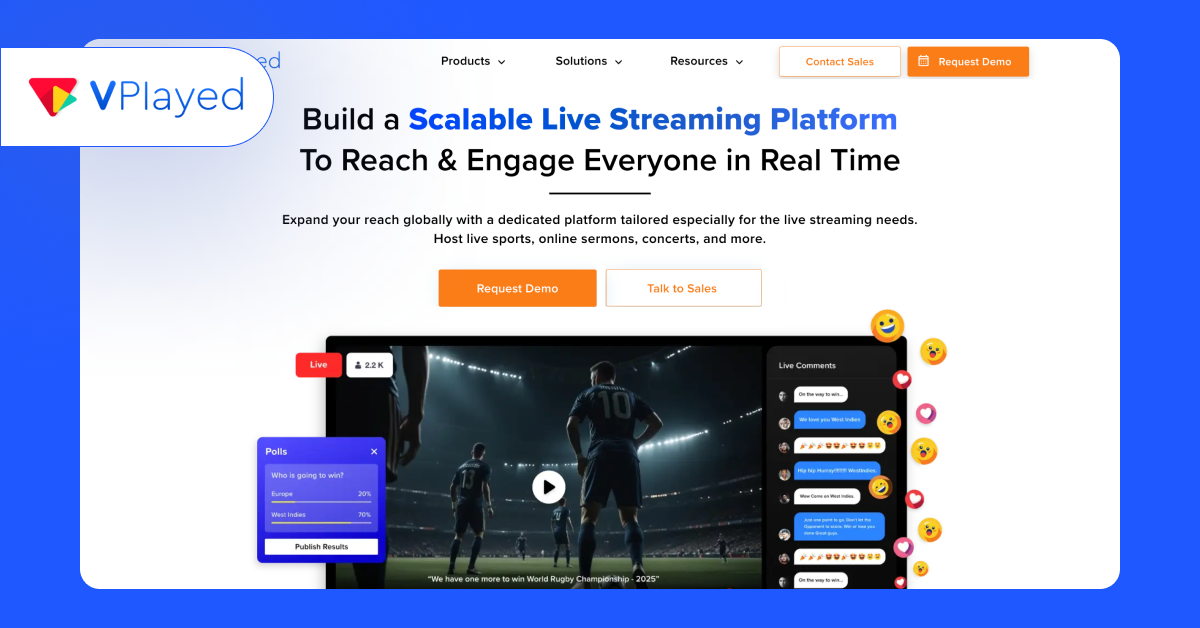
If you are looking to go live in 2026 without handing over your brand to a third-party platform, VPlayed might just be your new streaming soulmate. Built for businesses that want full control (and full flair), VPlayed offers a white-label live streaming platform that is 100% customizable.
With ultra-low latency (just 10 seconds!), you can interact with your audience in near real-time; perfect for sports, auctions, town halls, or any other high-stakes live broadcast. And thanks to its global CDN and multilayer caching, your stream stays smooth whether your viewers are in Tokyo or Texas.
Features
- Ultra-low latency streaming for real-time audience engagement.
- Live-to-VOD transition for effortless content repurposing.
- Support for industry-standard protocols: HLS, MPEG-DASH, H.264, and H.265.
- Optimized mobile streaming for smooth playback across devices.
- High-end security with DRM, geo-blocking, IP restrictions, and video watermarking.
- 200+ integrations and complete platform ownership, ensuring full control and scalability.
- Includes advanced playback features like Picture-in-Picture, Closed Captions, and 4K video delivery.
VPlayed Pros:
- Complete platform ownership and white-label control
- Multi-device streaming support across web, mobile, and smart TVs
- Flexible deployment options (cloud or on-premise)
- Monetization tools built-in.
VPlayed Cons:
- Lack of free trial access
- Lacks built-in marketing features
- Steep learning curve for new users.
2. OnTheFly
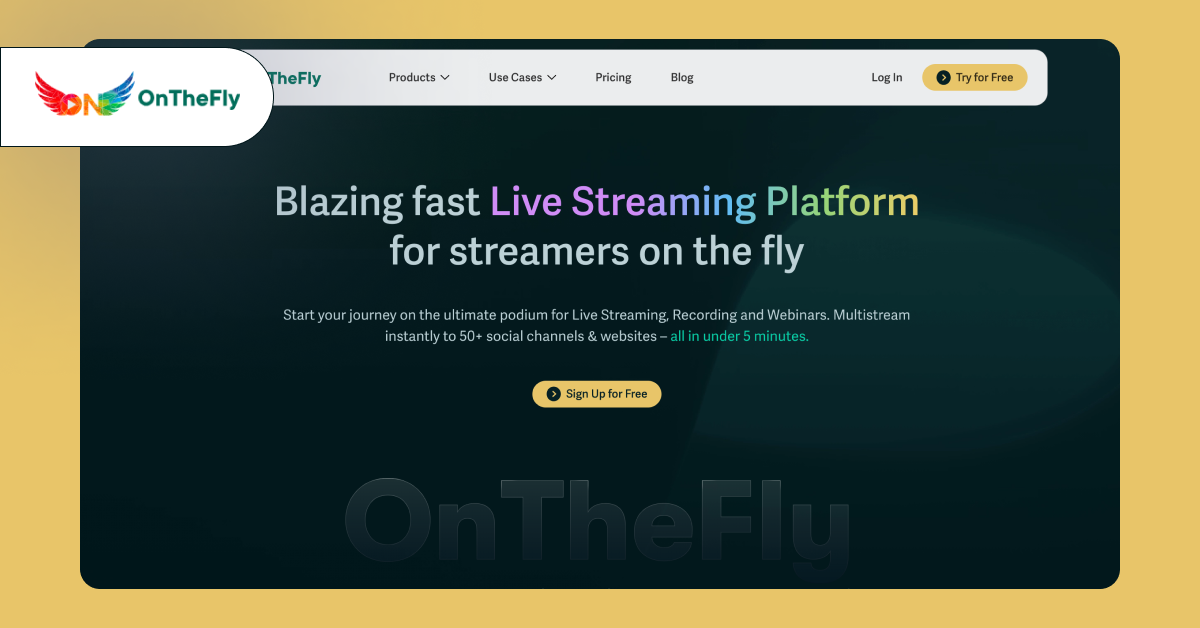
OnTheFly is an exceptional live streaming platform that lets you multistream your video content across 50+ social destinations including Facebook, YouTube, Twitch, and more with custom RTMP all at once.
Make every live stream count in multiple destinations with the feature-rich streaming solutions and go viral like a professional artist or brand. It also offers a simple, affordable solution to streamline your multistreaming strategies and drive 3x engagement with built-in live chat, branding features and a virtual studio room to help you go hands-free through your live stream set-up process.
Grab the chance to simulcast your exemplary video content up to 1080p studio-grade streaming quality and stand out from your competitors!
Features
- Live stream to 50+ social destinations at a time with a custom RTMP server.
- Integrate and start live streaming instantly on Facebook page/profile/group, YouTube, Twitch and more.
- Pre-record your content and flawlessly stream it like a live stream.
- Brand your stream with editable logos, layouts, overlays, banners, and unique brand colours.
- Record your live stream and repurpose your content for social media.
- Add upto eight on-screen guests with a shareable link to the host and coordinate a show.
- Locally download separate audio and video files.
- Store up to 300 hours of live streaming in your storage space.
OnTheFly Pros:
- Quick setup, one can go live within minutes
- Built-in webinar and collaboration features (screen sharing, multi-guest streaming)
- Availability of free trial version.
OnTheFly Cons:
- Lack of backend control
- Monetization capabilities are relatively basic
- Not fully white label streaming service.
3. Be. Live
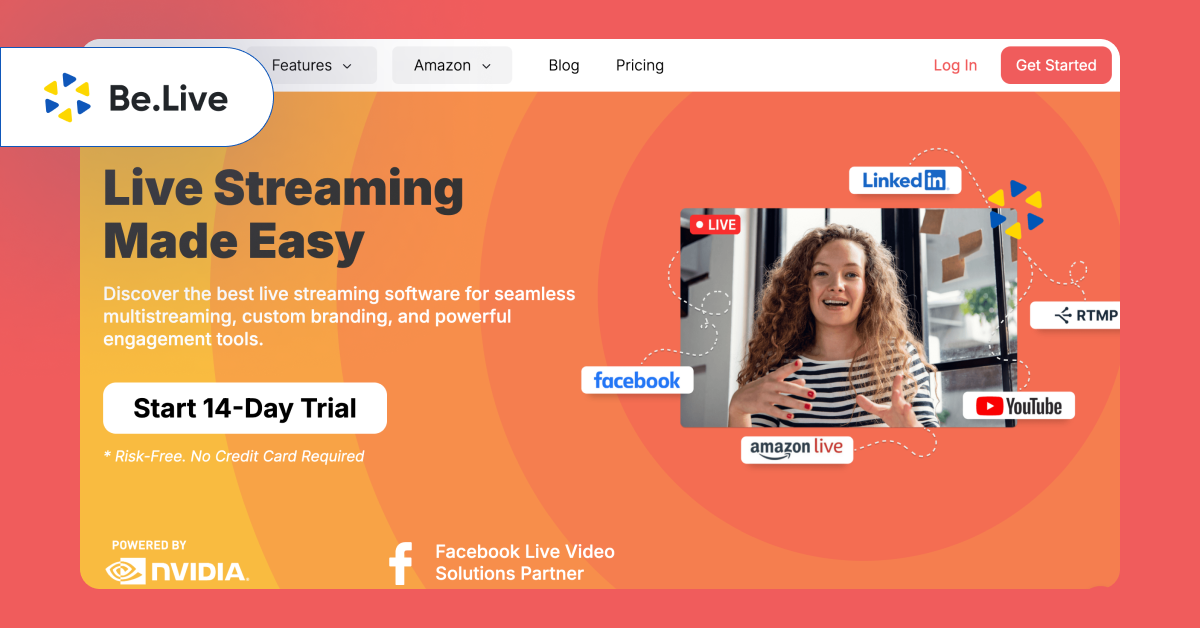
Be. live platform enables viewers to enjoy your content through multistreaming and engaging features. The platform supports streaming of content that is specified to marketers, content creators, businesses and educators who wish to go live effortlessly.
With a user-friendly interface and exclusive streaming tools, you can boost the live streaming experience for your audience and make them stay hooked.
Features
- MultiStream on multiple platforms like Facebook, YouTube, LinkedIn and much more.
- Customize and brand your live stream with overlays, backgrounds and logos to match their brand identity.
- Record your live sessions and repurpose your recordings as on-demand content.
- Have real-time conversations with viewers with engaging tools that bypass and display audience comments in one unified place during the live stream.
- Add upto 8 on-screen participants to your livestream.
Be. Live Pros:
- Browser-based set up, go live within minutes
- Strong multi-streaming capabilities
- Built-in video editing & repurposing tools
Be. Live Cons:
- Advanced features are tied to higher-tier plans
- Monetization capabilities are minimal
- Not ideal for complex workflows.
4. Uscreen
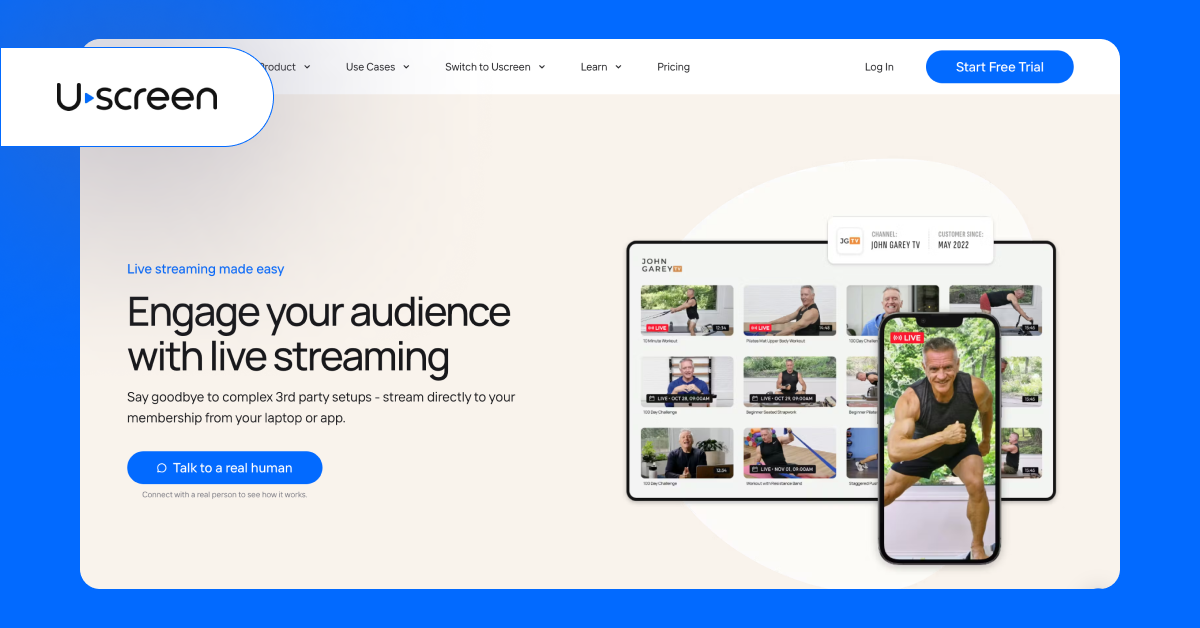
Uscreen helps streamers take their online presence to the next level as one of the best VOD platforms and largest virtual streaming solutions. You can stream on any device across any website, mobile, or OTT with a high-quality full HD viewing experience.
Enjoy stutter-free streaming with multi-bitrate adaptive technology for flawless, smooth streaming, ensuring uninterrupted service.
Sign up with the platform today and say goodbye to complicated third-party setups. Stream directly from your laptop to any destination by becoming a member and letting viewers access the Netflix-style video catalogue.
Features
- Full-featured mobile and TV streaming apps to live stream anywhere and anytime.
- Store upto 150 hours of total streaming.
- Membership analytics to measure the performance of your streaming to make the streaming experience wholesome.
- API, third-party integrations, Zapier integration to help viewers access your live stream from any web page.’
- Customizable and personalized branding to stream a branded show.
Uscreen Pros:
- Easy-to-use platform with quick set up
- Offers branded apps for web, mobile, and smart TVs
- Integrated analytics & engagement tools.
Uscreen Cons:
- Lacks multi-camera switching feature
- High starting price for independent creators
- Limited customization options.
5. Vimeo Livestream
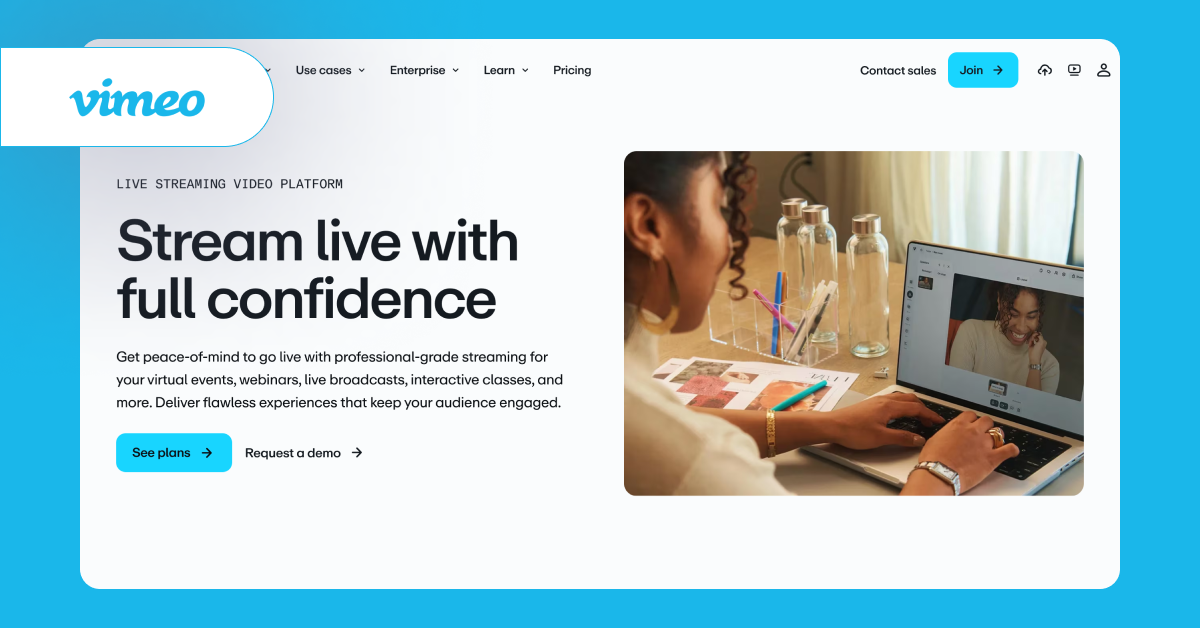
Vimeo is a browser-based live streaming platform that makes it easy to host live, pre-recorded, or hybrid educational content.
It offers an A-to-Z solution for live streaming your online classes, with Vimeo Record allowing you to capture your screen, webcam, or both, so you can repurpose your recorded content anytime.
Start live streaming today with confidence, and use Vimeo Live for various use cases like virtual events, interactive classes, webinars and more
Features
- 4k, 8k HDR, Dolby Visions high-quality video streaming with unwavering visual quality though streamed across various devices.
- Engagement tools like chat, polls, surveys, and Q&A sessions to boost interaction among viewers.
- Get insights on your live stream with video analytics to plan a better marketing strategy.
- Guest inviting URL to share with your guests asking to join the stream anytime.
- Trim recordings, edit clips, add chapters, and even create GIFs from your recorded stream to multipurpose your content easily without any video editing tips or techniques.
Vimeo Pros:
- Ad-free live streaming experience
- Multi-stream to various social platforms like YouTube, Facebook, LinkedIn, Instagram, and many more.
- Strong privacy and security controls, including password protection, domain-level restrictions, and secure streaming.
Vimeo Cons:
- Vimeo’s bandwidth-based pricing can quickly scale if you don’t plan your usage.
- Lacks native live production features (like multi-camera switching)
- Customization options are strictly basic.
6. Muvi
Muvi Live is a hybrid live streaming platform, offering both on-premise and cloud deployment options. Media enterprises can customize the platform to launch branded apps on the web, mobile, and smart TVs. For those who wish to monetize live streaming sessions, Muvi Live has built-in options including ads (VAST-based, SCTE-35 markers), pay-per-view, and subscription models.
Beyond browser-based live streaming, Muvi Live also ingests live streams via RTMP and delivers them to viewers using HLS. The platform supports live sports broadcasting with adaptive multi-bitrate streaming for buffer-free viewing.
Features
- Live chat to interact and engage viewers during live streams.
- Host with 600 participants in a single two-way interactive live events streaming.
- Record your live events turn them into on-demand and manage it as video archives content to repurpose.
- Built-in AWS CloudFront Amazon CDN to help you stream across the world without any instability in streaming with ultra-low latency.
- Third-party HLS & RTSP feeds or stream secured live stream without any piracy issues.
Muvi Live Pros:
- Enables multiple revenue streams, including pay-per-view, subscriptions, and advertisements.
- Suitable for large-scale live events.
- Provides audience ownership and branding control.
Muvi Live Cons:
- Expensive starting price.
- Limited templates for customization.
- Set up takes time, not suitable for independent streamers.
7. OneStream Live
Onestream Live is a live video streaming site that helps you go live on multiple platforms, including over 45+ social media platforms and personalized web pages such as Facebook Live, YouTube Live, and Twitch Live.
Whether you’re an individual content creator or planning to create a live streaming app, this platform offers robust tools to power multistreaming capabilities.
As a top cloud-based solution, Onestream Live provides customized live stream studio extensions, custom RTMP streaming destinations, and the ability to stream on any web page simultaneously. You can stream, record videos, create playlists, and schedule your streams up to 60 days in advance to go live perfectly.
Stream, record videos, create playlists, and schedule your streams up to 60 days in advance to go live perfectly.
Features
- Live stream with 1080p HD resolution video on multiple channels without compromising on the video quality.
- Invite and include upto 12 on screen guests to your live show.
- Access to third-party RTMP streaming tools like OBS, XSplit, Zoom & Ecamm Live to go live instantly.
- Storage space of upto 50GB to record and store live streams.
- Real-time chats and messages from all social platforms from one unified space.
OneStream Live Pros:
- Schedule pre-recorded videos to ‘go live’ at your convenient time.
- Simple setup, easy to go live.
- Supports RTMP & external encoders
- Affordable entry point with the free plan.
OneStream Live Cons:
- Lack of monetization options
- Users report occasional platform integration glitches
- Limited control over audience data and distribution.
8. Streamlabs
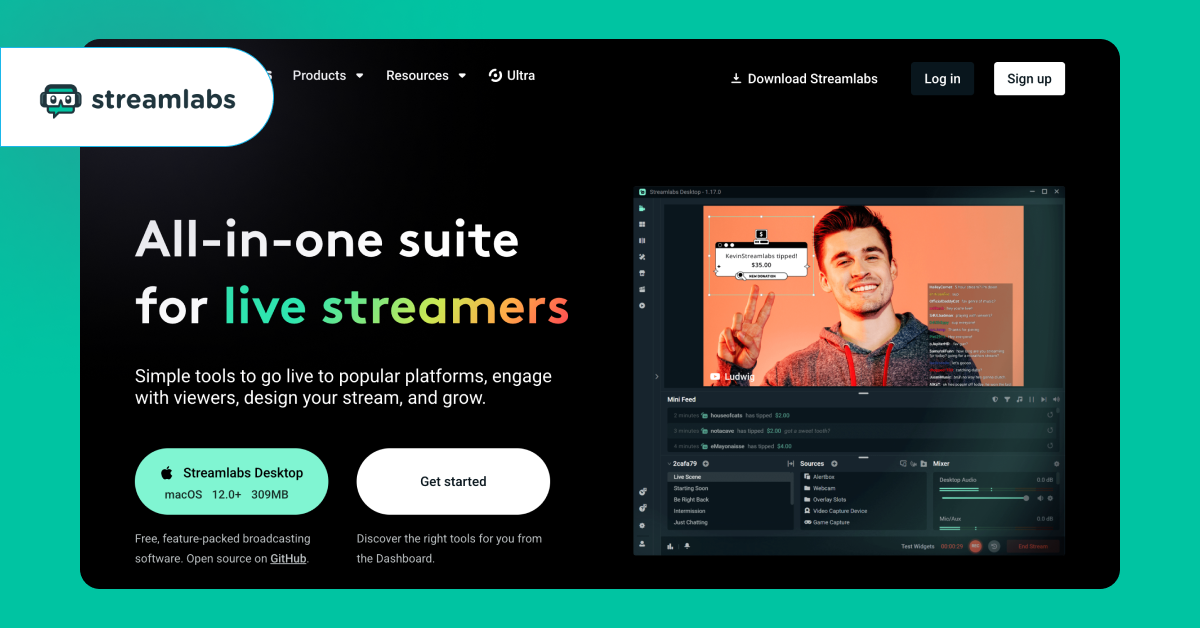
Streamlabs is a private live streaming platform for streamers and content creators with built-in engagement tools and software for smooth streaming.
You can stream live videos on multiple platforms including TikTok, Twitch, Youtube, Facebook and much more with RTMP connections.
With the Ultra paid version you can access dedicated streaming solutions like integrated live streaming tools, multistreaming, recording, clipping, editing, monetization, branding and much more.
Features
- 1080p HD resolution crystal clear video streaming quality.
- Live scenes and sources customization for both horizontal and vertical streaming by enabling dual output toggle.
- Engage with your audience with live chat from multiple platforms in one unified space.
- Add upto 15 on-screen guests to run the show.
- Customizable branding features make your stream look branded and engaging.
- Custom RTMP server to multistream on various platforms simultaneously.
Streamlabs Pros:
- Intuitive interface and quick setup
- Built-in monetization features (tipping, merch store, payment options)
- Thousands of overlays and widget themes
- Stream Shift feature for seamless device switching.
Streamlabs Cons:
- Advanced features are tied to the Ultra subscription
- Users report occasional audi-video sync issues
- Not ideal for complex live production workflows.
9. Castr
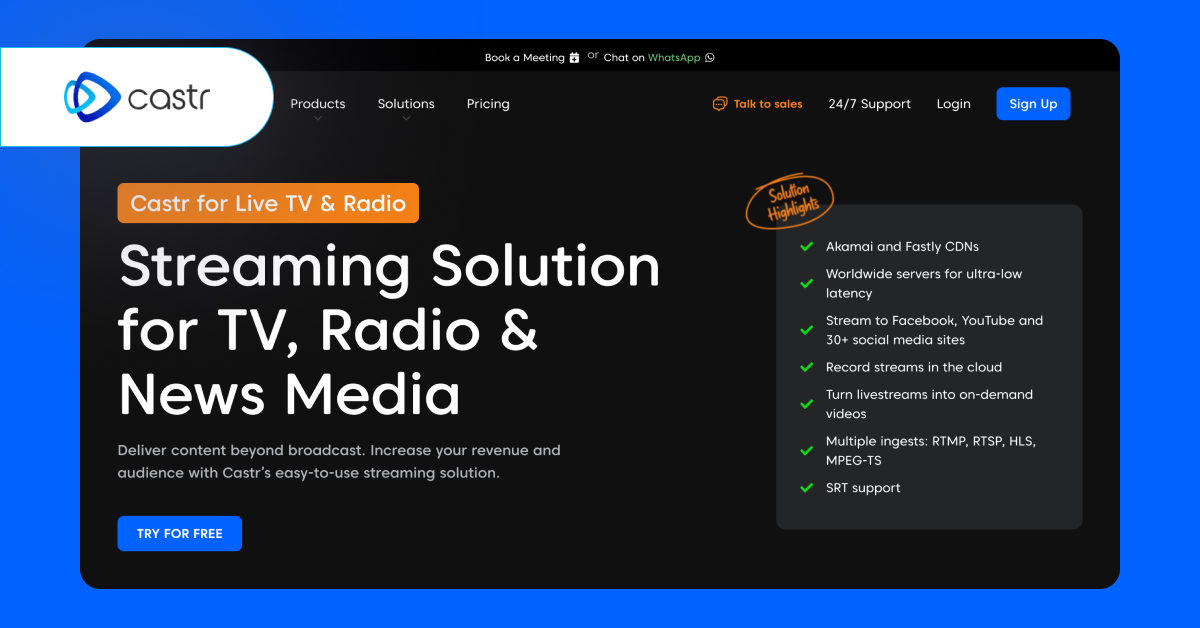
Castr is a private live streaming platform that can secure your live streams from malicious hackers using password protection, domain whitelisting, and geo-blocking. The platform minimizes latency with support for global SRT/RTMP ingest locations, so that multi-streaming activities continue without buffering. With access to Castr’s developer API, streamers can pull existing workflows seamlessly into their dashboard.
Castr’s dynamic player ensures that you only need to embed the player once on your website. Then, you can dynamically switch between on-demand content or live videos, without any need to update the embed codes.
Features
- Stream upto 30+ destinations with SRT and RTMP pull links.
- Akamai CDN for high-quality streaming on any device with any kind of internet connection.
- Upto 3TB video storage to store your stream recordings.
- Supports multiple ingests including RTSP, HLS and MPEG-TS.
- Customize and brand your stream with your logo, poster and chatbox.
Castr Pros:
- Strong multi-streaming across 30+ platforms
- Supports multiple ingest protocols, including SRT, RTMP, HLS, MPEGTS, and RTSP.
- Auto-recording of live streams
- Affordable starting price point.
Castr Cons:
- Absence of native monetization capabilities
- Workarounds needed for certain features
- Some advanced features are not available in low-tier plans.
10. Brightcove
Brightcove is a live streaming platform tailored for media-grade broadcasting workflows. It provides a live module interface designed to broadcast events on a large scale. Brightcove’s NextGen Live module converts input streams (RTMP, RTP, SRT) into adaptive bitrate (ABR) streams in the cloud. Based on the use case and requirements, you can configure certain advanced options, including DRM encryption, RTMP output, DVR functionality, closed captions, and more.
Features
- Reach audiences on whichever screen they prefer, including web, tablet, mobile, and smart TV.
- Optimize live stream with low-latency partners and API for content delivery.
- Exclusive marketing, communication and media studio to live stream video professionally.
- Data-driven analytical insights to increase the audience lifetime value.
Brightcove Pros:
- Strong security & compliance features
- Enables enterprise-level customization and automation.
- Ideal for media companies and broadcasters.
Brightcove Cons:
- Expensive starting price point
- No multi-streaming option available
- Some users highlight mismatches in live analytic reports.
How Do You Pick the Right Live Streaming Platform?
While evaluating a new platform, look for a streaming infrastructure that can fulfil your requirements. You should understand your streaming workflows, audience touchpoints, and monetization goals to choose an ideal platform. An ideal live streaming platform should more or less have these features, starting with;
* Multi-stream capability to multiple platforms, custom RTMP server support
* Interactive tools, including real-time chat, polls, Q&A.
* Ultra-low latency (delivering streams in 200–400ms)
* Built-in monetization models (pay-per-view, subscriptions, ad support)
* Live streaming pricing structure (bandwidth-based, one-time pricing, monthly pricing, etc.).
Next, analyze each platform’s geographical availability, pricing, and supported devices depending on your requirements. Also, check if the APIs and source code access are easy to use; ensure they have detailed documentation of their features.
Conclusion
The best live streaming platform depends on your specific needs and budget. In this guide, we did our best to identify the ideal platforms for broadcasters, casual streamers, live events, and content repurposing use cases. After all the analyzing and testing (in real-world scenarios), we can conclude that there is no platform that is ideal for everyone.
For example, creators and businesses looking to engage their audiences on multiple platforms will find OnTheFly, OneStream Live, and Castr more resonating with their requirements.
Media broadcasters who wish to upscale their broadcasting quality will prefer VPlayed and Muvi due to their end-to-end streaming infrastructure. Casual streamers will fall in love with Be. Live and Streamlabs.
Take the time to understand the platform, with free trials and demo versions available. Especially with the guided demo sessions, you can interact with the platform’s technical team, which can solve your technical concerns regarding the workflows.
Frequently Asked Questions
The best live streaming platform depends on your use case. Social tools are ideal for quick reach, while dedicated platforms offer better control, monetization, and scalability for businesses and enterprises.
Yes, you can. Most dedicated live streaming platforms support migration. You can migrate RTMP-based workflows, API integrations, and encoders (if you already have any) to your new platform.
Yes, you can. Most live streaming platforms provide embeddable video players, which you can embed directly on your website (using embed codes or plug-ins). This helps drive traffic to your website without any workaround.
If you have an existing LMS tool or business tool, you can integrate live streams directly onto that platform. Or, you can integrate the existing LMS with the live streaming platform using APIs. This is especially useful for education and corporate training purposes.
Many live streaming platforms come with built-in access control mechanisms, including role-based, password protection, geographic restrictions, domain restrictions, and many more.
Some platforms mentioned in this blog, including OneStream, OnTheFly, and Streamlabs, offer a free plan to explore. However, these free plans have only basic features (like resolution cap, storage limitations). The free plan is better if you want to start basically and upgrade gradually as you scale.
Some of the best platforms to livestream are VPlayed, Onthefly Onestream Live and much more.
To go live, you’ll need a live streaming platform like OnTheFly, a PC or laptop, and a stable internet connection, preferably via an ethernet cable.
You can live stream for free during the trial period on the OnTheFly platform, which allows you to multistream across platforms like Facebook, YouTube, Twitch, and more.
No, you don’t need any special equipment to livestream. Simple basics like a PC or laptop, webcam, and microphone are more than enough to stream on a platform like OnTheFly.
There are 10+ live streaming platforms available, each catering to the specific needs of different users.
